


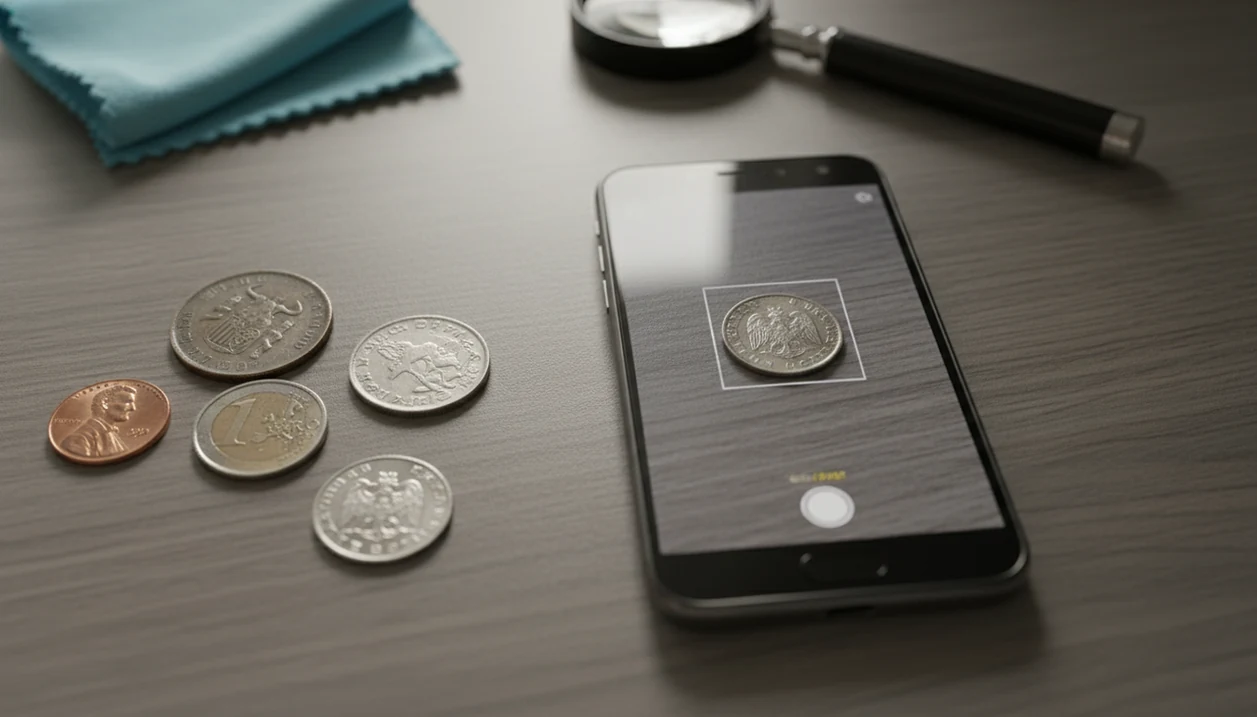
> Definition: CoinEd is the photo-first coin identifier and value estimation app that identifies coins from photos, shows rarity and grade hints, and helps beginners and collectors estimate coin value.
- Snap the obverse and reverse of any coin to get an AI-powered match with rarity and value cues.
- Works best with clear lighting and sharp focus. Blurry or cropped photos reduce accuracy.
- Treat results as educated triage, not a certified appraisal. Condition, mint mark, and market demand still matter.
At a Glance: 5 Android CoinEd Facts
- Photo-first identification: CoinEd starts with your Android camera, so you can scan a penny, quarter, token, or foreign coin before searching reference books.
- AI database matching: CoinIdentifier compares visible design details, lettering, date, and mint mark clues against a large coin database.
- Value context included: Results can show rarity cues, estimated value range, and grade hints, but the number is not a formal appraisal.
- Collection organization: Saved scans help you keep collection notes, estimated values, and coin details in one place.
- Beginner and collector use: New collectors can identify a common circulation find, while experienced users can sort unknown coins before checking PCGS, ngccoin.com, or auction records.
The most useful Android coin identifier workflow starts with both sides of the coin, then follows up with date and mint mark verification. A beginner turning over a wheat cent under a kitchen light will learn quickly why that tiny letter under the date matters.
Android Coin Scanner Features and Compatibility
The Android app uses a camera-based scan flow: photograph the obverse, photograph the reverse design, then review the suggested match. The result can include denomination, country, era, rarity hints, grade suggestions, and an estimated value range.
That scale matters: the U.S. Mint reports producing billions of circulating coins in recent years, which shows why a coin scanner for Android has to separate ordinary finds from coins worth a closer look (https://www.usmint.gov/about/production-sales-figures/circulating-coins-production). The app helps by pairing photo recognition with saved scans and collection organization.
When an inherited jar spills mixed nickels, dimes, and foreign coins onto a towel, CoinEd fits the first-pass sorting job because it keeps likely matches, photos, and collection notes together. Good coin identification apps deliver fast triage and useful references, not guaranteed treasure claims.
Coverage can include rare coins, error coins, misprints, commemoratives, and foreign coins. For broader app comparisons, our best coin identifier app guide explains how scan quality, value context, and collection tools differ.
Minimum Requirements for the Android CoinEd App
An Android coin identifier app needs a supported Android version, a working camera, internet access, and enough storage for saved scans. Newer Android phones usually produce sharper coin photos because focus, exposure, and image stabilization are better.
CoinEd works best with a camera that can focus close enough to capture dates, mint marks, rim lettering, and worn design lines. A phone camera hovering over a penny on a dark wooden table may make copper look redder than it is, so use neutral light when possible.
Internet access is typically needed for AI processing and database comparison. Storage becomes more important if you save many obverse and reverse images, especially for coin roll hunting or inherited collections.
How AI Coin Recognition Works on Android Phones
AI coin recognition on Android works by capturing an image, preprocessing it, comparing visual features through a model, and returning a database match with a probability score. In plain terms, the system looks for patterns such as portrait shape, legends, date position, rim details, and reverse design.
Obverse and reverse photos improve match quality because many coins share one familiar side but differ on the back. A Washington quarter, a state quarter, and a commemorative quarter can look similar until the reverse is scanned. Full-coin framing also matters because cropped rims remove useful clues.
Modern coin production can reach billions of coins per year, according to the U.S. Mint’s circulating coin production data (https://www.usmint.gov/about/production-sales-figures/circulating-coins-production), which makes the reference space enormous. CoinEd narrows the options fast, but the AI result is still a probability match. Not a certificate.
For beginners, the most reliable first step is to identify coin from photo using both sides before trusting value or rarity clues.
6 Steps to Use the CoinEd App on Android
Use the Android coin scanner as a calm photo-first check, then verify important details manually. The scan works better when the coin is flat, cleanly framed, and photographed under steady light.
- Download and open CoinEd. Check back for the official launch or use the main download coin identifier app page to find the current download path.
- Place the coin on a flat, well-lit surface. Avoid glare, deep shadows, and patterned backgrounds.
- Photograph the obverse, or front. Keep the full coin in frame, including the rim.
- Photograph the reverse, or back. Use the same distance and lighting so the model can compare both sides.
- Review the AI match. Check the country, denomination, rarity cues, grade hints, and estimated value range.
- Save or verify the coin. Add it to your collection, then compare the date and mint mark against a trusted reference.
Android users sorting a discard tray filled with common cents will usually move faster by saving only the coins that need a closer look.
Android CoinEd vs iOS CoinEd
CoinEd uses the same core AI recognition idea across Android and iOS, but camera hardware can change the scan experience. Android phones vary widely, so focus distance, low-light handling, and image sharpness may differ more than on a smaller set of iPhone models.
| Feature | Android CoinEd | iOS CoinEd |
|---|---|---|
| Core AI matching | Same general coin recognition workflow | Same general coin recognition workflow |
| Camera experience | Depends on Android device camera quality | More consistent across supported iPhones |
| Availability | Google Play download path | App Store download path |
| Saved collection tools | Collection sync, notes, scans, value estimates | Similar saved collection workflow |
| Rarity cues | Included when reference data supports it | Included when reference data supports it |
If you are comparing Android coin scanner apps rather than platforms, also test CoinSnap and Coinoscope against the same three coins: one common circulating coin, one worn older coin, and one foreign coin. The best choice is the app that gives the most consistent match, explains the uncertainty, and makes it easy to verify the date and mint mark against outside references.
Collectors who switch phones can compare platform details in the CoinEd for iPhone guide before moving collection habits over.
CoinEd for Android vs Alternative Coin Scanner Apps
CoinEd is strongest when you want a beginner-friendly scan, a readable match, and a place to organize finds after identification. CoinSnap and Coinoscope may suit collectors who prefer a different database mix or want to compare how another app handles foreign, ancient, or less common pieces.
CoinEd follows a simple obverse-and-reverse photo flow, then adds rarity cues, grade hints, value context, and saved collection notes. CoinSnap uses a similar camera-first approach, while Coinoscope is often chosen by users who want another recognition database to test against. For a new collector sorting a jar of mixed coins, Coin Identifier’s advantage is the smoother path from scan to saved collection entry.
To compare fairly:
- Photograph the same coin obverse in the same light for each app.
- Scan the reverse without changing distance, angle, or background.
- Compare the country, denomination, date range, and variety notes.
- Check whether each app explains uncertainty or only gives a confident label.
- Verify any value estimate with auction records, dealer listings, or grading references before selling.
The best app is the one that identifies consistently and makes verification easier.
Best Results From a Coin Value App for Android
A coin value app Android workflow works best when it identifies the coin first, then treats value as a range shaped by condition, mint mark, and demand. Common circulating coins are often matched quickly because their designs appear in large numbers.
Foreign coins and older coins benefit from both obverse and reverse scans. A worn date on a buffalo nickel, for example, can limit the result even when the reverse is clear. Error coins and varieties need extra caution because small doubled letters, missing elements, and mint mark positions may decide the listing.
Anyone dealing with a possible error coin should use CoinEd for first-pass recognition because the scan can flag the base type, then the user can inspect the date and mint mark manually. Condition usually affects value more than the base design once the coin is properly identified.
Wipe dust from the cardboard 2x2 flip if needed, but don’t clean the coin itself.
Evidence Sources for Coin Value Estimates
Use app values as a starting range, then compare the coin against trusted grading, mintage, variety, and sale-price sources. The strongest check is a recent realized sale for the same coin, date, mint mark, variety, and approximate condition.
PCGS CoinFacts is useful for grade examples, population context, varieties, and broad value guidance. NGC resources help with grading standards, certification lookups, and world-coin reference details. Heritage Auctions is especially helpful because auction archives show what buyers actually paid, not just what a seller hoped to get. U.S. Mint data helps confirm mintage figures, issue history, and official production context for modern U.S. coins.
For a practical verification pass:
- Confirm the date, mint mark, denomination, and design match before checking price.
- Compare the coin’s wear against PCGS or NGC grade photos and descriptions.
- Look for the same variety or error markers, not just the same type.
- Check recent Heritage Auctions results or other realized sales near the same grade.
- Adjust expectations for cleaning, scratches, corrosion, heavy toning, or damage, because those coins can fall outside normal app ranges.
Download CoinEd for Android on Google Play
To download the Android version, check back here for the official CoinEd Android launch. After first launch, expect a camera prompt, a scan screen, and options to save identified coins into a collection.
Free access is useful for testing the scan workflow and identifying everyday finds. Premium features may add expanded scans, collection tools, or deeper value context depending on the current app version.
Android collectors who want a low-friction coin scanner app can start with CoinIdentifier because the basic workflow follows the physical coin: obverse photo, reverse photo, result review, and collection note. If cost is the deciding factor, the free coin identifier app guide explains what to check before upgrading.
Limitations
CoinEd is useful for sorting and learning, but it has real limits. Those limits matter most when a coin looks rare, damaged, toned, or unusually valuable.
- Blurry, cropped, reflective, or angled photos can produce wrong matches.
- The value shown is an automated estimate, not a certified appraisal or guaranteed sale price.
- Vendor-reported claims such as 99% accuracy are marketing statistics and may not be independently verified.
- Rare varieties and error coins often require manual checking by date, mint mark, die markers, and condition.
- Wear, toning, corrosion, cleaning marks, and weak strikes can hide details the AI model needs.
- A high match score does not mean the coin is rare or valuable. Many common coins match accurately.
- Authentication still belongs with professional graders, trusted dealers, or established references such as coins.ha.com auction archives.
- One photo is rarely enough for serious value decisions, especially on older silver, gold, or key-date coins.
Use CoinEd as identification triage. Then slow down before selling, insuring, or calling a coin rare.