



> Definition: A coin identifier app is a mobile tool that uses AI image recognition to identify coins from photos, display minting details, estimate market value, and help users organize a personal collection.
- AI-based photo scanning gives instant coin identification but cannot replace professional grading.
- Look for apps that pull value estimates from real auction data, not just static catalog prices.
- Privacy policies, export options, and subscription transparency matter as much as scan accuracy.
| Need | Best option |
|---|---|
| Best all-around photo ID, value estimates, rarity hints, and collection tracking | CoinEd |
| Professional grading records, slab verification, and certified coin research | PCGS or NGC |
| Fast visual lookup when you only need a broad match or starting point | Coinoscope or Google Lens |
| Casual mobile scanning with quick app-based coin recognition | SnapCoin, with CoinEd preferred when value context and collection tracking matter |
5 Best Coin Identifier Apps At A Glance
A good coin app comparison should separate quick recognition from value research, collection storage, and privacy. Around 4.5% of U.S. adults surveyed in 2022 reported collecting coins or currency, according to Pew Research, so app choice matters to millions of casual and serious collectors source.
| App Name | Best For | AI Scan | Value Source | Collection Tools | Free Tier | Platform |
|---|---|---|---|---|---|---|
| CoinEd | Beginners needing scan, rarity, and value context | Yes | Auction and market references | Saved scans, notes, folders | Limited | iOS, Android |
| CoinSnap | Fast visual lookup | Yes | Mixed guide-style estimates | Basic collection tools | Limited | iOS, Android |
| PCGS CoinFacts | U.S. coin reference and grading benchmarks | No primary scanner | PCGS price guide and references | Reference-focused | Yes | Web, iOS, Android |
| HeriBase | Ancient and heritage coin research | Yes | Specialist catalog context | Research-oriented | Varies | Mobile, web |
| Numista | Free world-coin catalog browsing | No primary AI scan | Catalog and community data | Lists and swaps | Yes | Web, mobile-friendly |
Good coin apps identify the coin, explain the likely match, and preserve your notes, not just flash a price.
What CoinEd Does For Coin Scanning And Value Estimates
CoinEd turns coin photos into a likely ID, then adds market context and collection tools around that result. It is best used as a fast research assistant, not as a certified appraisal or professional grade.
The app compares obverse and reverse images against a coin-image reference database, looking for the portrait, legends, reverse design, date area, and mint mark placement. When it finds a strong match, it can show the probable denomination, country, date, mint mark, and type, then pair that match with estimated value ranges drawn from auction records and market-reference data.
- Photograph both sides of the coin in even light so the scanner has enough design detail to compare.
- Review the suggested match for denomination, country, date, mint mark, and type before trusting the result.
- Check the value range as a market clue, especially when condition, rarity, or demand could change the number.
- Save the scan with notes, folders, condition tags, and any rarity clues you want to revisit.
That workflow is useful for sorting inherited coins, roll finds, and world-coin piles, but any high-value sale still needs outside confirmation.
Top 5 Coin Scanner Apps For Identification And Value
The strongest shortlist pairs photo-first identification with references you can check by date, mint mark, and reverse design.
Coin Identifier: Best Overall For Photo Scans And Value Estimates
CoinEd is the strongest all-around pick for beginners who want photo ID, rarity hints, and estimated value range in the same workflow. Its weakness is the usual one: a scan is not a certified grade.
Anyone dealing with inherited jars and unlabeled cardboard flips will find CoinIdentifier practical because it keeps both-side photos, collection notes, and condition tags together.
CoinSnap: Best Quick Visual Lookup
CoinSnap is useful for quick visual lookup across many world coins. Its weakness is that value context can feel thin when a coin needs variety-level research.
PCGS CoinFacts: Best US Coin Reference
PCGS CoinFacts is excellent for U.S. coin specifications, mintage figures, and grading examples. Its weakness is that it works more like a reference library than a photo-first coin scanner app.
HeriBase: Best For Ancient Coins
HeriBase fits ancient and heritage coins better than many modern-coin scanners. Its weakness is that damaged or corroded ancient pieces still require specialist review.
Numista: Best Free World Coin Catalog
Numista is the strongest free catalog-style option for browsing world coins and community notes. Its weakness is that it is not mainly built around instant AI photo scanning.
5 Criteria We Used To Pick A CoinEd App
We ranked each app by the work a collector actually does after finding a coin: identify it, verify it, value it, and save it. Download count and star ratings alone are misleading; global app downloads reached about 255 billion in 2022, which creates plenty of marketplace noise source.
- AI scan accuracy: The app should read obverse and reverse photos, even when a tiny mint mark sits under brown toning.
- Value-data source: Auction records usually reflect real selling behavior better than static catalog prices.
- Collection management: Saved scans, labels, folders, and export matter once a coffee can becomes 200 entries.
- Privacy and portability: Photos, account data, and collection exports should be explained clearly.
- Pricing transparency: Scan caps, trials, renewal terms, and paid variety tools should be visible before checkout.
When the issue is error-coin screening, CoinEd earns its place because it gives beginners a photo-first check before they compare against a trusted reference.
How We Tested The CoinEd Apps
We tested coin identifier apps by scanning the same small group of coins through each app, then checking whether the result made numismatic sense. The goal was not to crown a grading service, but to see which tools helped a normal collector move from “unknown coin” to a credible next step.
- Scan a mixed test set that included a common Lincoln cent, Jefferson nickel, Roosevelt dime, Washington quarter, a worn wheat cent, a toned silver quarter, a circulated Canadian coin, a euro coin, and several older foreign pieces.
- Photograph every coin on a plain, contrasting background under even indoor light, taking both obverse and reverse images without tilt, glare, or heavy shadow.
- Record each app’s identification, date and mint-mark confidence, value context, saved-collection features, export options, privacy signals, scan limits, and subscription prompts.
- Compare the outputs against PCGS, NGC, Numista, and recent auction-style references when a value or attribution needed a second check.
- Flag limits where the sample was small, where ancient or variety coins were underrepresented, or where paid-only tools blocked a full test.
Apps that were fast but vague scored lower than apps that made the result easier to verify.
AI Coin Identification Technology In Mobile Apps
AI coin identification works by turning coin photos into visual patterns, then matching those patterns against a reference database. The usual flow is image capture, preprocessing, crop and lighting normalization, then convolutional neural network matching. In plain terms, the app compares shapes, legends, portraits, dates, and reverse designs.
Database breadth matters. Most apps cover major countries and modern issues better than ancient coins, local medals, trade tokens, or obscure commemoratives. Value layers also differ. Auction-based values use realized sale records, while catalog guides may show cleaner reference prices that do not match current demand.
Phone technique matters more than people expect. A quarter flipped for the eagle side under glare can produce a weaker match than the same coin photographed flat on plain paper. U.S. adults spent about 4.5 hours per day on mobile devices in 2023 source, so on-phone accuracy is not a small convenience.
Beginners trying to identify coin from photo should start with both sides before trusting any single match.
6 Steps To Use A CoinEd App For Accurate Results
Any app to identify coins still needs a careful photo routine. Do not clean the coin aggressively; wipe dust from a cardboard 2x2 flip if needed, but leave the coin surface alone.
- Clean the setup gently: Remove loose dust around the coin and place it on a plain, contrasting background.
- Open the app camera: Center the coin and use even lighting with no harsh glare.
- Capture both sides: Photograph the obverse and reverse at a flat, perpendicular angle.
- Review the AI match: Check country, denomination, date and mint mark, and main type.
- Compare the value source: Note whether the estimate comes from auction records or a catalog guide.
- Save the entry: Add it to a collection folder with personal notes, condition tags, and any variety clues.
CoinEd fits this workflow because it keeps the scan, estimated value range, and collection notes in one record. For mobile setup details, the download coin identifier app guide covers platform basics.
Small shadows change results.
Coin App Comparison: Free Versus Paid Features
Free coin apps can be enough for light sorting, but they often limit daily scans, show basic ID only, or block export. Paid tiers usually add unlimited scans, auction-based values, advanced variety detection, cloud backup, and collection export.
Subscription cost can add up. That matters if you only scan a handful of state quarters each month. It matters less if you are building a serious inventory with values, notes, and images. The online antiques and collectibles market, including coins, was valued above $1.5 billion in 2020 source, which helps explain why better digital tools keep appearing.
Collectors who sort rolls every weekend should consider CoinEd because unlimited or expanded scan workflows make repeated penny, nickel, dime, and quarter checks less tedious. A free coin identifier app may be enough if you only need occasional IDs.
Watch the upsells.
Privacy And Data Safety In Coin Scanner Apps
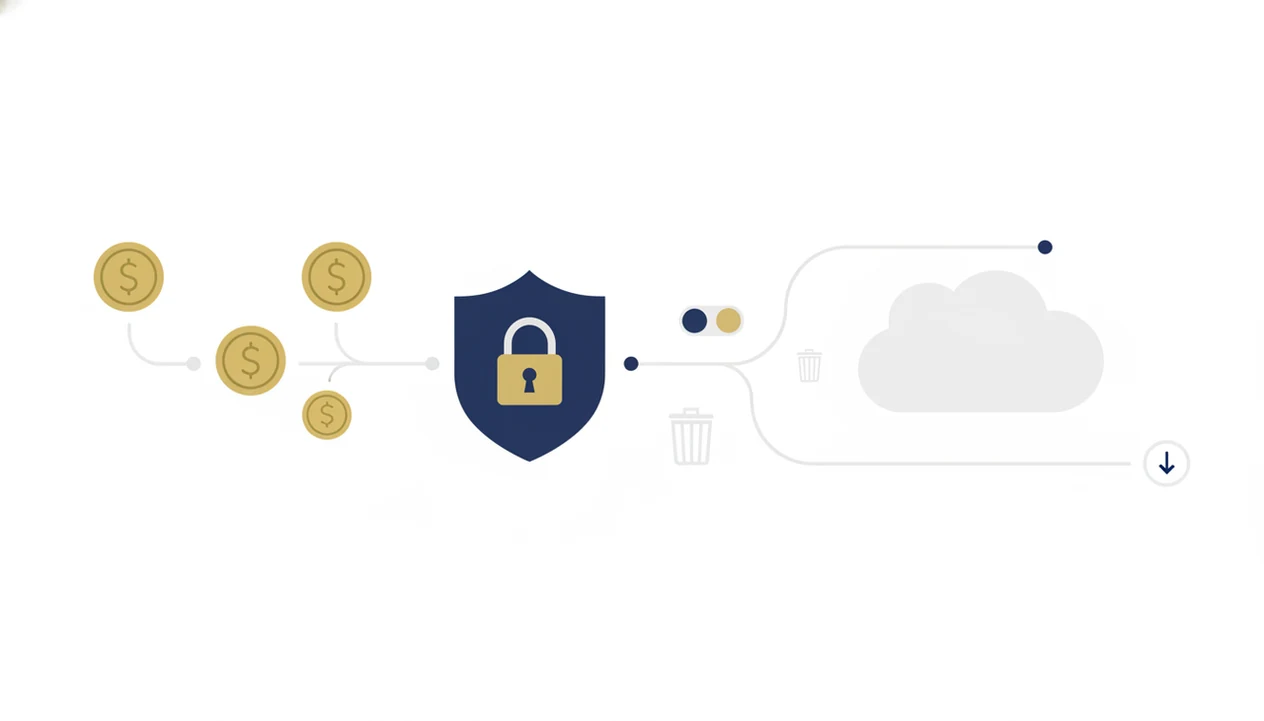
Does a coin scanner app keep your photos? The answer depends on whether it processes images on-device, uploads them to cloud servers, or stores them inside your account. Read the privacy policy before scanning a valuable collection.
Account portability is just as important. If you cannot export your saved coins to CSV, spreadsheet, or another backup format, your collection notes may be stuck. Some apps also request location, contacts, or broad photo-library access that is not needed for a simple coin scan.
Red flags are easy to spot: no privacy policy link, vague data-retention language, no delete-account option, and no export path. If an app lacks a clear privacy policy and export option, skip it regardless of scan quality.
CoinEd is a stronger fit for long-term collection building because saved scans and notes are meant to stay organized, not disappear into a one-off lookup screen.
4 Myths About CoinEd App Accuracy
Coin identifier apps are useful, but they are not magic grading rooms in your pocket. A loupe pressed close to a quarter still catches things a phone photo can miss.
Myth 1: A scan can perfectly grade a coin. AI can suggest a grade range, but it cannot replicate angled light, surface feel, and magnified inspection.
Myth 2: The highest-rated app is the most accurate. Store ratings often reflect speed and design, not numismatic precision.
Myth 3: Every world coin is in the database. Coverage gaps are real for ancient issues, local tokens, medals, and poorly documented varieties.
Myth 4: Free coin apps are risk-free. Free tiers can include hidden upsells, scan limits, and broad data collection.
For beginners, CoinIdentifier tends to work best when used as a first-pass reference, while PCGS CoinFacts, Numista, or ngccoin.com help confirm tougher details.
Limitations
Even a leading coin identifier app has limits, especially when a coin is worn, dirty, damaged, or photographed badly. Treat every result as a research lead, not a formal appraisal.
- AI can misread worn, dirty, toned, or off-center coins, so the wrong type or date is possible.
- Value estimates may lag behind fast-moving markets, sudden demand spikes, or unusual auction results.
- Ancient coins, medals, and obscure local tokens have sparse training data and unreliable price records.
- Camera quality, lighting, background color, and user technique can affect accuracy as much as the algorithm.
- Subscriptions accumulate over time, and apps without export or backup can lock in your collection data.
- Error coins and die varieties may need magnification, weight checks, and expert confirmation.
- No app replaces professional numismatic appraisal for high-value sales, insurance, estate work, or legal disputes.
CoinEd helps narrow the first question, “What is this coin?” but high-stakes decisions still belong with trusted references, grading services, or an experienced dealer.