
Coin Identification Timeline: From Photo Scan to Value Review
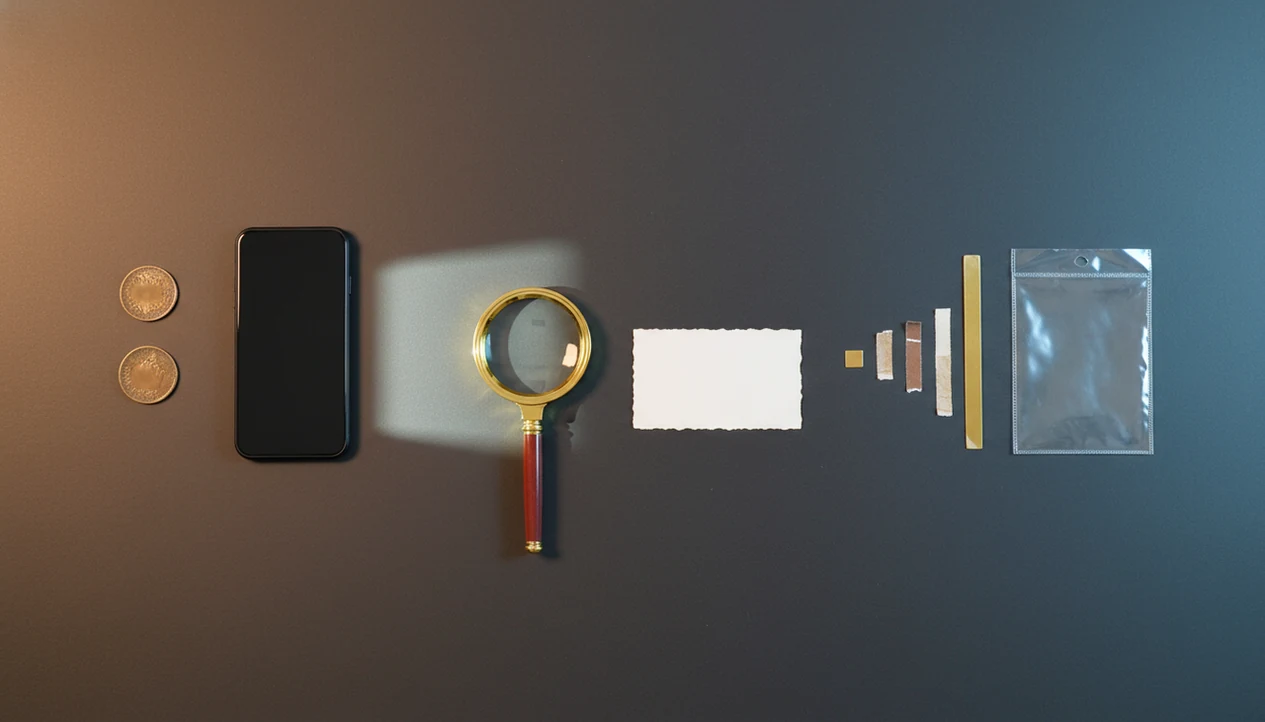
A coin identification timeline is the step-by-step path from taking a coin photo to confirming the likely ID, checking rarity clues, reviewing value context, and saving the result. The process works best when the photo is clear, both sides are captured, and the app’s match is treated as a starting point rather than a final appraisal.
> A coin identification timeline is the sequence of coin lookup steps that turns a photo scan into a likely coin name, date, mint mark, rarity context, condition hint, and estimated value range.
- Start with sharp obverse and reverse photos because image quality drives match accuracy.
- Use the app result to check denomination, year, mint mark, design type, and close matches.
- Treat rarity and value estimates as context, not authentication or a guaranteed sale price.
Coin Identification Timeline at a Glance
A coin identification timeline usually follows seven stages: photograph, scan, match, confirm details, check rarity, review value, and save the record. That order keeps beginners from jumping from a blurry photo straight to a price.
Start with the obverse, then photograph the reverse design. The app compares the images, returns likely matches, and shows details such as country, denomination, date, and mint mark. After that, you check rarity clues, review an estimated value range, and store the notes.
Likely is the key word.
A coin app can narrow the search quickly, but it does not guarantee expert attribution. A photo-first check works best when you compare the result against a trusted reference before treating the coin as identified.
Coin ID Process: Photo Features and Database Matches
Coin identification apps work by comparing visible photo features against reference images and coin records. In plain terms, the app looks for design shapes, legends, dates, portraits, reverse images, and mint mark positions that resemble known coins.
The technical side often uses image matching or visual feature extraction. That means the software turns the photo into comparable patterns, then searches a coin database for close matches. Large references matter because similar designs can appear across many years and mints. PCGS says CoinFacts includes information for over 39,000 U.S. coins in its mobile app ecosystem, which shows why database depth affects coin lookup coverage source.
On a desk test, a flash reflection on a prooflike surface confused the first match until the photo was retaken at an angle. For the full mechanics, the related guide on what happens when you scan a coin breaks down the scan stage in more detail.
Before You Start: Coin Identification Prerequisites
Before you identify a coin, set up the photo and handling conditions so the first scan has enough detail to work with. A few minutes of preparation can prevent wrong matches caused by glare, blur, missing reverses, or damaged surfaces.
- Use a phone camera that can focus close enough to show the date, lettering, rim, and small design details without heavy zoom blur.
- Set the coin on a plain background that is matte rather than shiny, then use bright indirect light from a window, lamp, or soft desk setup.
- Keep a magnifier nearby for tiny mint marks, weak dates, small legends, and places where wear makes the coin look different from the app’s reference image.
- Photograph both sides before trusting the result, since the reverse can confirm denomination, type, country, and design family.
- Leave the coin as found and avoid cleaning, polishing, rubbing, or “brightening” it before identification.
The goal is not a studio image. It is a sharp, honest record of the obverse and reverse that lets the app and your own eyes compare the same evidence.
6 Coin Scan Timeline Steps for Beginners
Use this coin scan timeline when you want a repeatable coin ID process, not a guess from one picture. For beginners, the best working sequence is slow enough to catch date and mint mark errors.
- Photograph both sides with bright, even light and keep the whole rim visible.
- Scan the coin in a coin identifier app and wait for the closest matches.
- Review the match by comparing portrait, reverse design, inscriptions, date, and mint mark.
- Check rarity clues such as mintage, variety notes, condition, and demand.
- Review value context as an estimated value range, not a guaranteed sale price.
- Save the record with photos, notes, likely ID, and any follow-up questions.
If your first photo is weak, retake it. A blurred nickel on a kitchen counter can make even a common circulation find look harder than it is.
Step 1: Photo Requirements Before a Coin Lookup
Good coin lookup starts before the scan. Photo quality often decides whether the app returns a useful match or a pile of near misses.
- Use bright, even lighting; avoid glare, shadows, blur, and tilted angles.
- Capture the obverse and reverse separately, filling the frame without cutting off the rim.
- Place the coin on a plain background so the design, date, and legends stand out.
- Expect lower confidence with worn, dirty, dark, corroded, or damaged coins.
- Do not clean the coin before scanning; harsh cleaning can leave surface problems that grading services may penalize, so preserve the coin as found source.
A dark wooden table can make copper cents look redder than they are. If you need a deeper setup, the guide on how to scan both sides of a coin covers framing and lighting from the phone camera side.
Step 2: Coin Scan Timeline Match Review
After a scan, review the top matches instead of accepting the first result automatically. Match confidence is a likelihood signal, not proof that the coin is exactly what the app says.
Compare the denomination, portrait, inscriptions, reverse image, date, and mint mark. A tiny D beside Roosevelt’s torch can change the listing, and a worn digit can push the app toward the wrong year. One CoinSnap review showed the app identifying a 1964-D Roosevelt dime and displaying a reference price range after scanning source.
That example is useful, but it should not be stretched too far. It shows that scanning can return an ID and price context. It does not show authentication, grading, or a guaranteed sale outcome. For people learning to identify coin from photo, the review step is where most avoidable mistakes get caught.
Step 3: Coin Lookup Steps for Date, Mint Mark, and Variety
The date, mint mark, denomination, country, and type must be checked after the scan because these details often control the final ID. Similar designs can cause wrong-year or wrong-type matches, especially on circulated coins.
Start with the obverse and locate the date. Then turn the coin over and compare the reverse design against the selected match. For many U.S. coins, the mint mark may sit near the date, below a wreath, beside a torch, or in another design-specific spot. A beginner turning over a wheat cent under a kitchen light may need a magnifier to find the small letter under the date.
Varieties need extra caution. Doubled dies, overdates, off-center strikes, and small design differences may require specialist review. The timeline gives likely identification, not third-party authentication or variety certification.
When a scan suggests a doubled die, overdate, or error coin, cross-check the exact variety name against a specialist reference before saving it as fact. A close visual match is not enough if the diagnostic markers are missing.
Step 4: Rarity Checks in the Coin ID Process
Rarity context combines mintage, survival, collector demand, condition, and variety status. Mintage alone does not determine value because many high-mintage coins become desirable in exceptional grades, and some low-mintage coins have limited demand.
After the likely ID is found, check whether the coin is a key date, scarce mint mark, recognized variety, or unusually high-grade example. The same CoinSnap review that identified a coin also showed estimated mintage data after details were revealed, which illustrates how apps may add rarity-related context after the match stage.
Keep the categories separate. Low mintage, high grade, and rare variety are different concepts. An old dime stuck to pocket lint may prompt the common question, “Is this silver or just old?” That answer depends on date, composition, and type, not age alone.
Step 5: Value Context After Coin Identification
Value context comes after identification because the same coin can have very different values in different grades. Condition, certified grade, rarity, demand, metal content, and selling venue all affect the final number.
An app price should be read as a reference range or starting point, not a formal appraisal. A circulated coin sold in a local shop, a certified example sold at auction, and a raw coin listed online may land in very different places. For beginners, condition-aware price context is often more useful than a single bold number because it shows why wear matters.
For a sanity check, compare the app range with recognized price references such as the PCGS Price Guide source and recent auction-price records source. Recent realized prices are usually stronger evidence than an isolated app estimate.
Good photo-first coin identifier and value estimation apps for collectors and beginners deliver faster sorting and reference context, not instant certified grades or guaranteed market prices.
For scarce, high-value, altered, or suspected error coins, seek a professional opinion. A coin value app can help organize the first pass, but the final value still depends on evidence.
Common Coin Scan Timeline Mistakes
Most coin scan timeline mistakes happen when a useful shortcut gets treated as a final answer. These are the errors we see most often when beginners move too fast.
- One-sided blurry photos: A single weak image can hide the reverse design, mint mark area, or edge clue.
- First-match acceptance: The top result still needs date and mint mark confirmation.
- Exact-price thinking: An app value is a reference range, not the exact market value.
- Authentication confusion: A match does not prove the coin is genuine, unaltered, or problem-free.
- Mintage-only sorting: Mintage helps, but condition, survival, demand, and variety status also matter.
Small pause. Big difference.
Wiping dust from a cardboard 2x2 flip is fine, but do not wipe the coin itself. Hairlines are hard to undo.
Verification Checklist for a Coin Identification Timeline
Before saving a result, re-check both sides against the selected match. Confirm country, denomination, year, mint mark, visible condition, and edge style when edge lettering or reeding matters.
Use a short checklist: obverse design matches, reverse design matches, date is readable, mint mark is in the correct place, inscriptions agree, and the coin’s wear level makes sense for the estimated value range. Compare the value range against grade-sensitive references or recent sales where available.
CoinEd can keep the final record organized with photos, likely IDs, rarity hints, grade hints, and value context in one place.
For collectors with mixed trays, this beats a loose spreadsheet when labeled coin photos replace uncertain notes.
Reference Sources for Verifying Coin Lookup Results
The best reference sources for verifying coin lookup results are established attribution databases, grading-service guides, recent sale records, and specialist variety references. Use them to confirm the app’s likely match before treating a coin record as settled.
- Check the attribution against a major reference such as PCGS CoinFacts or NGC Coin Explorer, paying close attention to date, mint mark placement, reverse type, and design diagnostics.
- Compare the value estimate with recent auction results when they exist, especially for coins where grade, toning, or certification changes the price sharply.
- Use grading-service resources to understand why a small condition difference can create a large value gap between a worn coin and a high-grade example.
- Verify error, doubled-die, overdate, and other variety claims against specialist references before saving the claim as fact; a similar-looking spread or mark is not enough.
- Document every source you used inside the saved coin record, including the reference name, checked details, and any uncertainty that still needs expert review.
A tidy source note prevents the same coin from being “rediscovered” and re-questioned later.
Limitations
Photo-based coin identification is useful, but it has clear limits. Treat the timeline as a screening method, not a substitute for authentication.
- Coin apps can fail with dark, cropped, tilted, blurry, or low-detail photos.
- Worn, corroded, cleaned, damaged, or altered coins can produce weak or wrong matches.
- Database coverage may be incomplete for obscure world coins, ancient coins, varieties, and errors.
- Estimated values change with grade, demand, market timing, metal prices, and selling venue.
- A photo-based match is not authentication, certification, or a professional appraisal.
- Rare varieties, counterfeits, high-value coins, and suspected error coins may need expert or third-party review.
- Similar designs can still cause wrong-year, wrong-mint, or wrong-type results.
An inherited coffee can full of mixed nickels, dimes, and foreign coins poured onto a towel is exactly where apps help. However, the odd coin in that pile may still need a specialist.
FAQ
How long does coin scanning take?
Coin scanning is usually quick, often taking only moments after the photo is submitted. Confirming the match, checking rarity, and reviewing value context take longer.
Can one photo identify a coin?
One clear photo may help identify a coin, especially when the design is common and readable. Both sides improve accuracy because the reverse design, inscriptions, and mint mark clues may be needed.
What details identify a coin?
The main coin identifiers are country, denomination, date, mint mark, design type, inscriptions, and metal clues. Edge details may also matter for some coins.
Is a coin app always accurate?
No, a coin app returns likely matches affected by photo quality, coin wear, and database coverage. Apps such as CoinEd should be used with visual confirmation and trusted references.
Does mintage determine coin value?
Mintage is only one value factor. Condition, survival rate, collector demand, variety status, and grade can matter as much or more.
Are coin value estimates guaranteed?
No, coin value estimates are reference ranges, not guaranteed sale prices or formal appraisals. CoinIdentifier-style records are useful for notes, but the market decides actual sale prices.
When should experts verify coins?
Experts should verify rare, high-value, altered, counterfeit-suspect, or error coins. Professional review is also wise when a CoinEd result points to a scarce variety or unusually high value.