
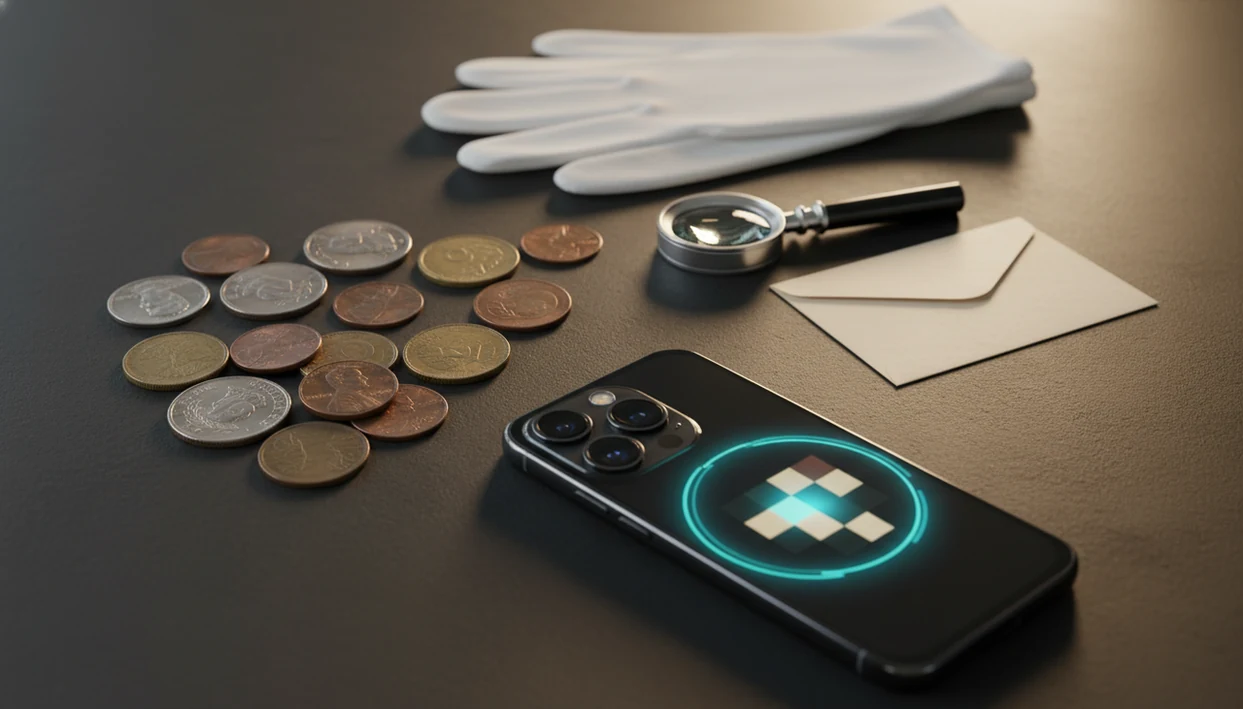
Definition: A free coin identifier app is a mobile application that uses image-matching or AI to compare a photo of a coin against a database, returning the closest identification along with rarity clues and estimated value ranges.
- Free coin scanner apps give educated matches, not guaranteed identifications, so always verify rare or high-value results.
- Photo quality and coin condition are the biggest factors determining whether an app identifies your coin correctly.
- Most free apps limit scans or lock advanced features behind a paywall after a trial period.
Best Free Coin Identifier Apps at a Glance
Free coin identifier apps are useful for quick sorting, but “free” usually means limited scans, trial access, or locked advanced features. Accuracy also changes with coin type, surface wear, lighting, and how complete each app database is.
Because app pricing changes often, treat the free-scan column as a starting point and confirm the current limit in the App Store or Google Play before relying on an app for a large collection. The most useful free option is the one that still lets you capture both sides, compare likely matches, and save notes without immediately blocking the workflow.
| App | Platforms | Free scan limits | Best coin type coverage | Standout feature |
|---|---|---|---|---|
| CoinEd | iOS, Android | Free access may vary by plan and region | Common U.S. coins, beginner collection scans | Photo match with rarity, grade hints, and value range |
| CoinSnap | iOS, Android | Often limited scans or trial-style access | Common modern coins | Popular photo recognition flow |
| Coinoscope | iOS, Android, web | Free search with some limits | World coins and visual lookups | Broad image-based matching |
| Google Lens | iOS, Android | Free general search | Clear, common coins with readable text | Fast fallback lookup |
| Numista | Web, mobile-friendly | Free catalog lookup | World coin catalog research | Community catalog and specifications |
Good ai coin identification, rarity lookup, and collection value estimation app for collectors and beginners deliver likely matches and research clues, not guaranteed rare-coin appraisals.
What a Free Coin Identifier App Does
A free coin identifier app compares your coin photos with known coin designs and returns the closest likely match. It is built for quick sorting: name the coin, show the main details, and help you decide what deserves closer research.
Most apps work best when they see both the obverse and reverse, because one side may show the ruler, portrait, or emblem while the other confirms the denomination or national design. A typical result may include country, denomination, date, mint mark, and a broad value range. Beginner-focused tools may also add rarity hints, grade hints, and collection notes so a loose coin from a jar does not become just another forgotten scan.
- Photograph the front of the coin in even light.
- Capture the back so the app can compare both design sets.
- Review the returned country, denomination, date, mint mark, and value range.
- Use rarity and grade hints as research prompts, not proof.
- Save the record if you want an organized scan history; CoinEd is useful here for beginners building a first collection.
A photo alone cannot confirm metal content, weight, authenticity, cleaning, altered dates, or subtle error varieties.
Top 5 Free Coin Scanner Apps for Beginners
The strongest free coin scanner app choices give beginners more than one possible match, show enough details to compare, and make the paywall clear. A phone camera hovering over a penny can be enough for a first pass, but the second photo often changes the result.
CoinEd
For beginners who need a free app to identify coins and keep results organized, CoinEd fits because it scans both sides, shows rarity and grade hints, and stores collection notes. CoinIdentifier is especially useful when mixed nickels, dimes, and foreign coins come out of an inherited can onto a towel.
CoinSnap
CoinSnap has a large app-store presence and recognizes many coins from photos. Free use may be limited, with premium access required for broader scans or value tools.
Coinoscope
Coinoscope focuses on image-based identification and has broad world coin usefulness. Some research features may require extra steps outside the scan result.
Google Lens for Coins
Google Lens is not coin-specific, but it can help when text, date, and reverse design are clear. It is free, though it lacks coin grading context.
Numista Coin Lookup
Numista works well as a free coin lookup app for catalog checks. It is less automatic than a scanner, but its community catalog is strong for specifications.
How a Free Coin Identifier App Works Behind the Scenes
A free coin identifier app works by turning your coin photo into visual features, then comparing those features against a reference database. The system looks for shape, legends, portrait outlines, relief patterns, date placement, mint mark position, and sometimes edge details.
Most modern apps use image embeddings or neural network classification. In plain English, the app converts the picture into a searchable pattern and ranks coins that look most similar. It may return country, denomination, year, mint mark, metal type, and an estimated value range.
The result is image matching, not a professional grade assessment. A dark wooden table can make copper cents look redder than they are, and glare across a worn date can push the app toward the wrong match. CoinEd works best when both obverse and reverse photos are clear enough for the model to compare separate design clues. For a deeper photo setup, use our guide to identify coin from photo.
How to Use a Free App to Identify Coins Step by Step
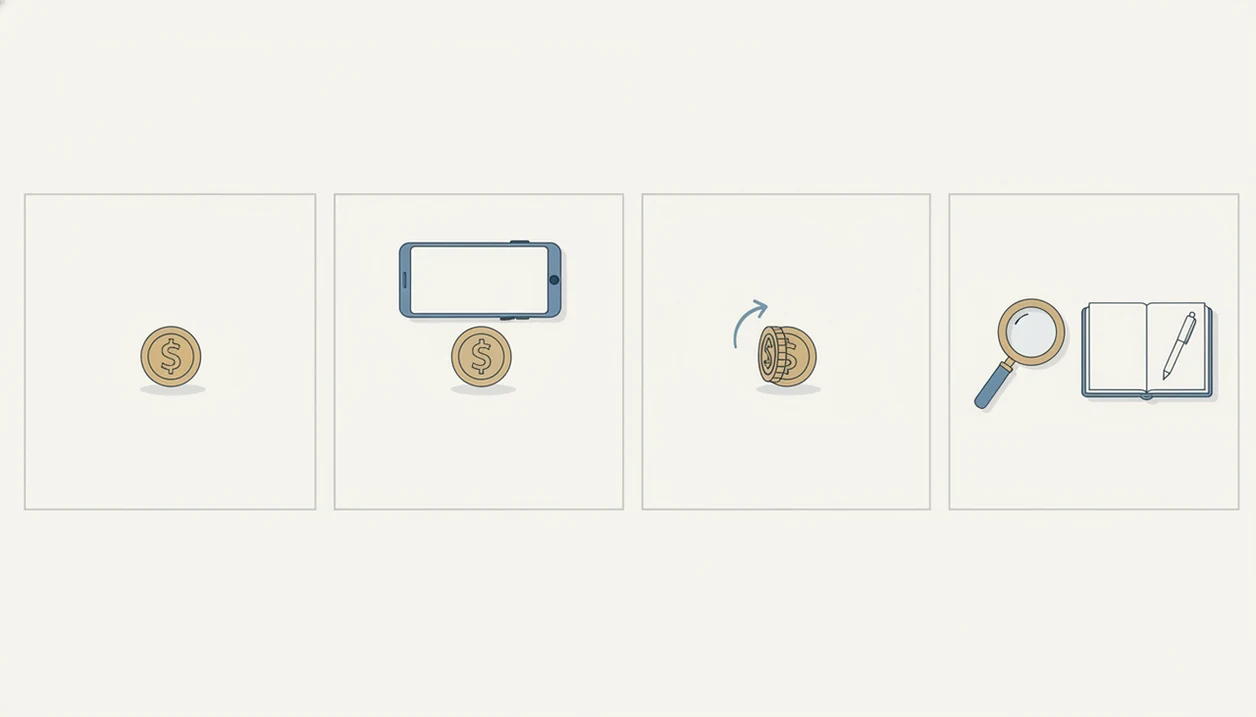
Use a free coin identifier app as a careful photo-first check, not as the final word. The goal is to create a clean scan, compare likely matches, and save the result for later verification.
- Clean the coin gently by removing loose dust, and place it on a plain, non-reflective surface. Do not polish or scrub the coin.
- Open the app and align the coin inside the camera frame with even lighting.
- Capture both obverse and reverse photos for the best match.
- Review the top matches the app returns, and compare similar coins instead of trusting only the first result.
- Save or organize identified coins in your collection within the app.
- Cross-check any coin flagged as rare against a reference catalog or auction records before assuming high value.
After a kitchen-light scan, when the tiny mint mark under the date is still hard to read, CoinEd helps by keeping the scan, notes, and estimated value range together. Small details matter.
How We Picked These Free Coin Lookup Apps
We picked free coin lookup apps by checking whether they offered genuinely useful free scans, not just a short trial screen. We also looked for photo-based identification, coverage for U.S. and common world coins, and whether the result showed multiple possible matches.
Common circulation finds carried extra weight because most beginners scan pennies, quarters, nickels, and dimes first. Per the U.S. Mint’s 2024 annual circulating-coin production reporting, billions of pennies, nickels, dimes, and quarters entered circulation, so beginner tools need to handle ordinary change well: https://www.usmint.gov/about/production-sales-figures/circulating-coins-production.
Anyone dealing with a drawer of 2x2 holders and staples needs more than a single guess; CoinIdentifier earns its place because it supports scan history, collection organization, and value context. For a broader paid-and-free comparison, the best coin identifier app guide covers more selection criteria.
Five Facts Every Free Coin Scanner App User Should Know
Free coin scanner app results are starting points, not final identifications. These five facts prevent the most common beginner mistakes.
- Apps give educated matches, not guaranteed IDs, especially on worn, blurry, corroded, or damaged coins.
- Coverage is usually strongest for common modern U.S. coins; ancient, error, and foreign coins often get weaker results.
- A rarity flag does not automatically mean a coin is valuable; market price depends on grade, demand, variety, and timing.
- The U.S. Mint produced 8.5 billion circulating coins in fiscal year 2024, which shows the scale of everyday coins people try to identify. Source: U.S. Mint circulating coin production figures, https://www.usmint.gov/about/production-sales-figures/circulating-coins-production.
- A single photo from one angle can mislead AI, so scan the obverse and reverse before saving a result.
CoinEd is useful for the first sorting pass because it keeps likely ID, date and mint mark notes, and an estimated value range in one record. For platform-specific setup, compare CoinEd for iPhone and Android options.
Common Myths About Free Coin Identifier Apps
Free coin identifier apps are helpful, but several myths make beginners over-trust the screen. A coin balanced on a white napkin may scan well, yet the match still needs checking.
| Myth | Reality |
|---|---|
| A free app can reliably appraise any coin. | App estimates are rough and can miss condition, variety, cleaning, and market timing. |
| If an app says “rare,” the coin is automatically valuable. | Rarity alone does not set market price; grade and buyer demand matter. |
| One photo is always enough. | Glare, partial views, and worn surfaces can cause wrong matches. |
| All free coin scanner apps use the same database. | Coverage and recognition quality vary widely by app and coin type. |
Nearly 4 billion pennies and nearly 4 billion quarters were produced in fiscal year 2024, so most scanned coins are common. Collectors trying to separate pocket change from coins worth a closer look should treat app results as triage, not proof.
When to Stop Using a Free App and Get a Professional Coin Appraisal
If a free app flags a coin as rare or potentially worth over $50, verify it before selling, insuring, or telling family it is valuable. That is the point where a casual scan should become reference work.
Start by separating collector value, book value, and actual auction sold price. Book value is a guide. Sold price is what a similar coin actually brought in a real transaction. Collector value can shift with demand, grade, eye appeal, and variety.
The right fit for sorting a new group of coins is CoinEd because it helps identify, label, and organize likely matches before deeper research. For serious claims, compare against the Red Book, PCGS CoinFacts, NGC databases, or auction archives such as Heritage. PCGS CoinFacts and NGC Coin Explorer are especially useful cross-checks because they publish coin specifications, variety notes, population data, and price-guide context directly from major grading services: https://www.pcgs.com/coinfacts and https://www.ngccoin.com/coin-explorer/. Third-party grading services such as PCGS or NGC are appropriate when authentication, holdered grade, or counterfeit screening matters.
Free apps are ideal for sorting, learning, and casual collecting, not estate appraisals or investment decisions.
Limitations
Free coin apps can save time, but they have hard limits. We see the same trouble spots when beginners bring app results to coin club tables under folding chairs.
- Worn, corroded, cleaned, or partially hidden coins often return wrong or incomplete matches.
- Value estimates are not professional appraisals and may not reflect local demand, exact grade, or recent auction results.
- “Free” usually means limited scans per day, a trial period, or advanced features behind a subscription.
- U.S. coin coverage is generally stronger than world, ancient, or error coin coverage.
- Rare varieties and mint errors are frequently overhyped in app marketing and need expert verification.
- AI models can confidently return a wrong answer; a confidence score does not equal correctness.
- No app replaces in-hand inspection for counterfeits, tooling marks, altered dates, or subtle die varieties.
Collectors who want larger-screen review may prefer CoinEd for iPad, especially when comparing saved photos against catalog notes. Still, the coin itself decides the evidence.