
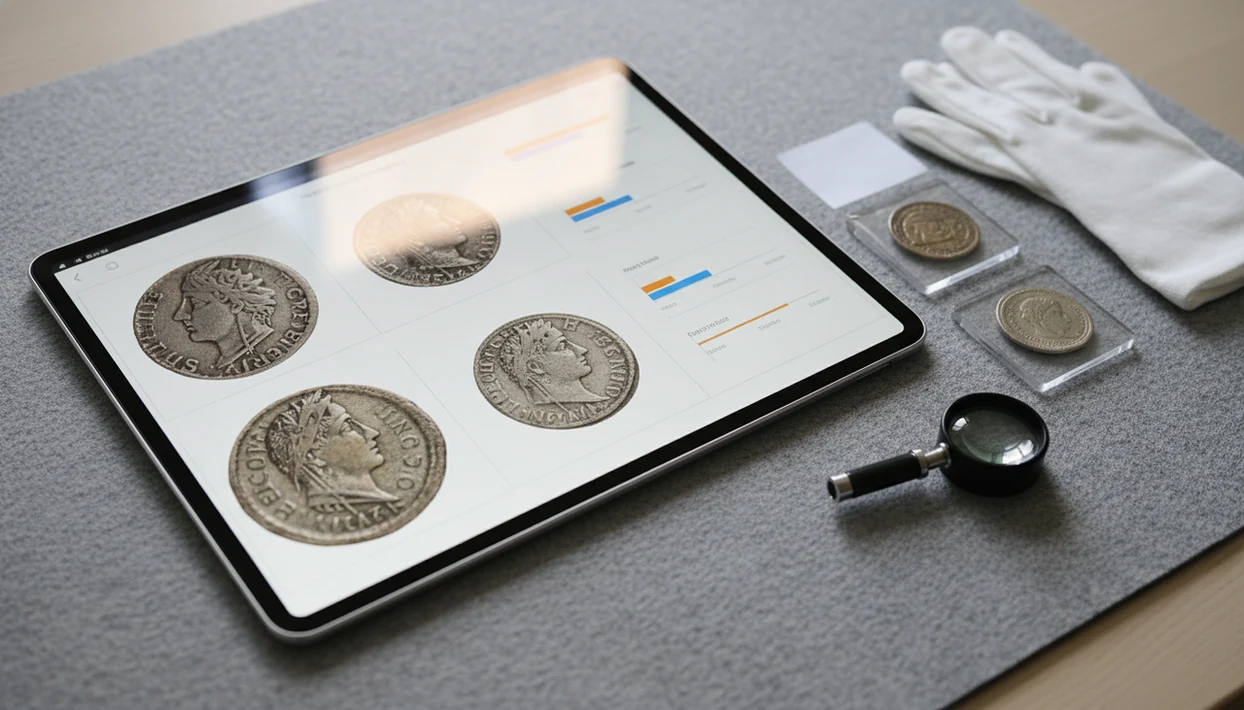
> Definition: A photo-based coin identification app that helps identify coins, show rarity and grade hints, organize collection records, and estimate coin value.
- iPad's larger screen lets you review coin details, compare photos side-by-side, and manage collections more comfortably than on a phone.
- AI identification pulls denomination, country, year, mintage, and estimated value range from a single photo.
- Photo quality and lighting matter more than device. Poor images cause misidentifications even on good apps.
- Pair AI results with authoritative references like PCGS CoinFacts before making buying or selling decisions.
- Subscription may be required for unlimited scans, rarity data, and export features.
What Works in the CoinEd iPad App
The iPad version works as a photo-first coin app: capture or upload a coin image, review the likely match, then save the result with collection notes. It can return denomination, country, year, composition clues, catalog references, rarity context, and an estimated value range.
On iPad, the useful part is the room. A date hidden beneath brown toning is easier to check when the image fills the screen instead of a thumb-sized card. You can compare obverse and reverse photos, zoom into a mint mark, and keep notes open without feeling boxed in.
Collectors looking for larger-screen review benefit because it combines scan results, saved photos, rarity lookup, and value context in one collection workflow. Cloud sync also helps when you scan a coin on one Apple device and review the same record later elsewhere.
Good coin identification delivers likely matches, reference context, and collection structure, not a guaranteed certified grade or a live auction appraisal.
Five Facts About Scanning Coins on iPad
- AI coin recognition links the image to reference data such as mintage, composition, denomination, date range, and catalog numbers. That match creates a starting record, not a final verdict.
- The larger iPad screen helps with fine review. A faint mint mark, rim nick, or doubled-looking letter is easier to inspect when the photo is not squeezed into a phone view.
- Accuracy depends on photo quality and coin condition. Dark wooden tables can make copper cents look redder than they are, and glare can hide wear on silver-colored coins.
- Serious workflows pair AI identification with a second source. For rare dates, proofs, or possible varieties, compare against PCGS CoinFacts, NGC Coin Explorer, Heritage Auctions archives, or a printed catalog.
- Coin apps do not replace professional grading. A coin worth a closer look should be checked by a qualified dealer or grading service before you price, insure, or sell it.
If the priority is quick sorting before deeper research, this iPad workflow fits because it turns each scan into an editable record with photo storage, rarity notes, and estimated value range.
How AI Coin Identification Works on iPad
AI coin identification on iPad works by turning a coin photo into measurable visual features, then comparing those features with a trained image database. In plain terms, the system looks for design, lettering, date, mint mark, shape, and surface cues.
After you capture or upload a photo, the image is usually preprocessed for crop, orientation, and lighting normalization. A convolutional neural network then compares patterns from the obverse and reverse against known coin images. The likely match returns country, denomination, year, mint mark, and a catalog reference when available.
Value estimation is a second layer. It cross-references the likely ID with condition approximation and pricing data, so the number should be read as an estimated value range. Not a formal appraisal.
The iPad helps because imported photos and camera images can be reviewed at higher visible detail. A coin balanced on a white napkin often gives the model cleaner edges than a coin photographed in your palm.
How to Use CoinEd on Your iPad
Scan coins on your iPad by photographing both sides, checking the AI result, then saving the record with notes and a second-reference check for valuable coins. The process is calm and repeatable, which matters when a collection grows past a few loose flips.
- Open CoinEd and place the coin on a plain, contrasting background with even light.
- Capture or upload clear photos of the obverse and reverse separately, leaving a little margin around the rim.
- Review the AI identification for country, year, denomination, mint mark, and composition clues.
- Check rarity data and estimated value range before assuming a common circulation find is rare.
- Save the coin to your collection with notes, tags, grade hints, and photo comparisons.
- Cross-reference high-value results with an authoritative catalog, grading-service page, or recent auction record.
A beginner trying to organize inherited coins gets more value from this workflow because the iPad workflow keeps scans, collection notes, and value context together instead of scattering them across photos and browser tabs. For a broader photo workflow, our guide to identify coin from photo covers both-side capture basics.
Minimum Requirements for the iPad Coin Collection App
CoinEd works best on a current iPad running a recent iPadOS version with a clear rear camera, enough storage, and a steady internet connection. Exact compatibility can change by App Store release, so check the listing before installing.
An iPad with a sharper camera will usually produce cleaner scans, but lighting still matters more than model name. Internet access is needed for database lookups, rarity details, and price estimates. Large collections also consume storage quickly because every saved coin can include obverse and reverse photos.
Plastic tubes stacked by denomination become easier to log when you can type longer notes. An external keyboard helps with collection records, and Apple Pencil can be useful for marking a suspected die crack or rim issue in research notes.
iPad Coin App vs iPhone Coin App for Photo Review
The iPad is better for reviewing and organizing coin photos, while the iPhone is better for fast scanning away from your desk. Cloud sync matters because many collectors use both devices in the same workflow.
| Workflow need | iPad experience | iPhone experience |
|---|---|---|
| Detail inspection | Larger screen helps with mint marks, wear, and side-by-side comparison | Smaller screen is faster but cramped for close review |
| Research layout | Split View and Stage Manager can keep catalogs beside scan results | Browser switching is quick but less comfortable |
| Coin shows and shops | Less pocketable, slower to handle standing up | Easier at tables, counters, and estate sales |
| Camera quality | Good on many models, especially with steady setup | Newer iPhones may have stronger close-focus cameras |
| Notes and markup | Apple Pencil supports annotation on research images | Notes are possible, but markup is less natural |
| Collection access | Cloud sync supports review and editing | Cloud sync supports field capture |
The right fit for desk-based collection review is CoinEd on iPad because the larger display supports comparison photos, saved notes, and catalog checks in one sitting. If you mostly scan at shops, compare with CoinEd for iPhone.
Evidence and Reference Sources for iPad Coin Identification
Use iPad coin identification as a research starting point, then verify important results against numismatic references and market records. App values are estimates, not appraisals, certified grades, or guaranteed selling prices.
For U.S. coins, PCGS CoinFacts is useful for attribution checks, mintages, major varieties, and design comparisons. NGC Coin Explorer adds grading-service context and broader world coin research. Before selling, Heritage Auctions archives can show recent realized prices, which are often more grounded than a single app estimate.
- Identify the coin in the app and save clear obverse and reverse photos.
- Compare the date, mint mark, design type, and variety notes against PCGS or NGC.
- Check recent auction results for the same issue, similar condition, and comparable certification status.
- Treat the app’s value range as a screening number, especially when photos are dark or wear is heavy.
- Escalate to a dealer or professional grading service when authenticity, rarity, condition, or sale value could materially change the outcome.
How to Shoot Better Coin Photos on iPad
Better iPad coin photos come from steady framing, even light, and a plain background. AI accuracy usually depends more on the photograph than on whether the coin is common or rare.
Use diffused light from the side, not a harsh overhead glare. Place the coin on a dark or neutral surface, then keep the iPad steady with a stand or both elbows braced. Photograph the obverse first, then the reverse, and avoid cropping so tightly that the rim touches the image edge. The preprocessing step needs a little border.
Soft cloth under a silver dime can reduce reflections, but don't clean the coin itself. Wipe dust from a cardboard 2x2 flip if needed; leave the metal alone. Cleaning can permanently alter a coin's surface and hurt value; NGC gives the same warning in its coin-care guidance: https://www.ngccoin.com/news/article/1167/.
Anyone dealing with repeated misidentifications should start with the photo setup because AI matching can only compare the visible design, date, mint mark, and surface detail captured in the image.
Download CoinEd for iPad
CoinEd for iPad is coming soon. Until launch, use the photo ID guides on this site before scanning a full collection. The first session should test lighting, photo angle, and how notes appear in your saved records.
CoinEd covers photo-first identification, collection organization, rarity hints, and value context. Some features may be free to try, while unlimited scans, expanded rarity data, or export tools may require a subscription. If you want the general install path across devices, the download coin identifier app page keeps that process simple.
Try one known coin first. A 1964 dime is a useful check because many beginners ask, “Is this silver or just old?”
Limitations
CoinEd is useful for screening and organizing coins, but it has real limits. Treat the iPad result as research support, not a final authentication, certified grade, or selling price.
- Heavily worn, corroded, polished, or damaged coins can confuse AI image recognition.
- Error coins and varieties often need expert review because small die differences may not scan reliably.
- Estimated value ranges are broad and may lag behind live auction prices, bullion swings, or local demand.
- Subscription may be required for unlimited scans, rarity data, collection exports, or advanced tools.
- Offline use is limited because database matches, rarity lookup, and pricing context need internet access.
- AI grade hints are approximations from photos, not certified grades from grading services such as PCGS or NGC.
- App photo storage does not replace insurance documentation for high-value coins.
- Some foreign, ancient, token, and obscure issues may have weaker database coverage.
- CoinSnap, CoinTrackers, pcgs.com, and ngccoin.com can still be useful comparison points depending on the task.
For high-value coins, professional grading is often safer than app-only evaluation because certification examines authenticity, surface condition, and grade under controlled standards.