
App To Help Organize Coin Collection Photos, Values, And Records
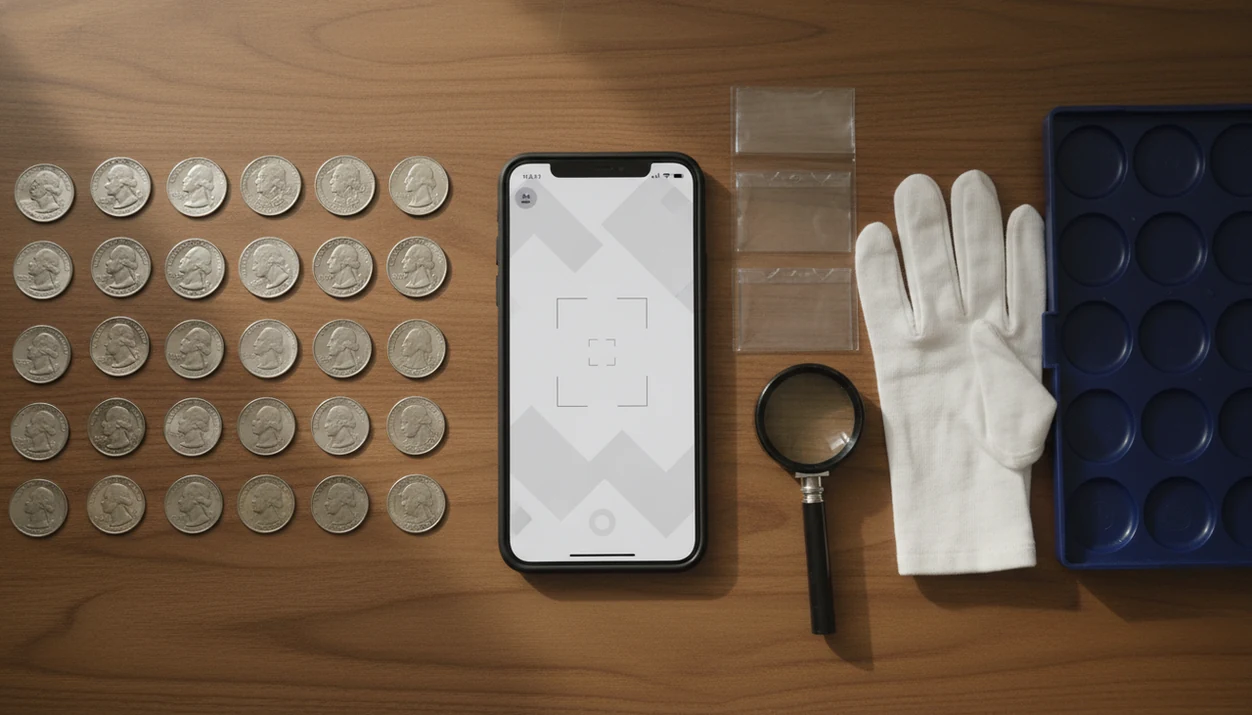
A good app to help organize coin collection records should let you photograph each coin, identify it, save it to a structured inventory, and track value notes over time. Look for photo-first identification, folders or sets, grade fields, purchase details, export options, and update dates so your collection stays searchable instead of scattered across albums, notes, and spreadsheets.
Definition: An organize coin collection app is a mobile coin catalog and inventory tool that stores coin photos, identification details, grades, notes, purchase records, estimated values, and collection updates in one searchable place.
TL;DR
- Use a coin inventory organizer that stores both obverse and reverse photos, year, mint mark, denomination, country, grade, notes, value estimate, and last updated date.
- AI coin identification can speed up cataloging, but values and variety calls should be treated as estimates for rare, worn, or high-grade coins.
- Choose a coin catalog app with folders, tags, CSV or PDF export, privacy controls, and database coverage that matches your U.S., world, token, or ancient coin interests.
How these apps look
Side-by-side captures of the compared products. Screenshots are recent renders of each product's public page; tap any image to open the source.
What An App To Help Organize Coin Collection Records Should Do
An app to help organize coin collection records should replace scattered spreadsheets, paper lists, and unlabeled photo folders. The practical goal is simple: one record per coin, with enough detail to find, compare, update, and share it later.
A strong app usually combines three jobs. It acts as an AI coin identifier, a coin catalog app, and a coin inventory organizer. Each record should include photos, country, year, denomination, mint mark, grade, condition notes, purchase price, estimated value, source, and update date.
The clink of mixed nickels, dimes, and foreign coins poured from an inherited coffee can onto a towel is exactly when structure matters.
Tools like CoinEd can fit this workflow; CoinEd is the photo-first coin identifier and value estimation app that identifies coins from photos, shows rarity and grade hints, and helps beginners and collectors estimate coin value. The focus here is physical coin organization and value context, not cryptocurrency, generic antiques, or investment speculation.
At-A-Glance Coin Inventory Organizer Feature Checklist
Use this checklist before choosing an organize coin collection app. A good coin catalog app should make daily entry easy, but it should also protect the records you may keep for years.
| Feature | Why it matters | What to check |
|---|---|---|
| Both-side photo storage | Obverse and reverse designs confirm type and variety. | Can you save clear front and back images? |
| AI identification | Speeds up country, date, and denomination entry. | Does it show likely matches, not just one answer? |
| Folders or sets | Keeps albums, series, and inherited groups separate. | Can you build custom groups? |
| Value tracking | Helps monitor estimated value changes. | Is each value dated? |
| Grade fields | Condition drives price. | Can you record raw and certified grades? |
| Notes | Captures cleaning, toning, damage, or provenance. | Are notes searchable? |
| Export | Prevents app lock-in. | CSV or PDF matters. |
| Privacy | Collection data can be sensitive. | Review account and upload settings. |
| Database coverage | U.S., world, tokens, and ancients vary. | Match coverage to your collection. |
Serious collectors should prioritize export and custom fields. Beginners should prioritize easy photo capture and automatic ID.
How An Organize Coin Collection App Works Behind The Scenes
An organize coin collection app works by turning coin photos into structured records. The usual flow is image capture, visual recognition, identification suggestions, then inventory storage with editable fields.
Behind the screen, AI image recognition compares design elements, inscriptions, denomination, date, mint mark, and visual patterns against coin databases. In plain terms, the app looks for the same clues a collector checks with a loupe, then narrows the likely match. Phone photos taken on a dark wooden table can make copper cents look redder than they are, so lighting still matters.
Value estimates are typically tied to identification, condition or grade hints, rarity context, and market reference data. A good photo-first coin identifier and value estimation app for collectors and beginners delivers faster sorting and clearer records, not instant certified grades or guaranteed sale prices.
Clear lighting, sharp focus, and both obverse and reverse photos improve results. App-generated ID and value remain estimates, not grading certifications.
How To Use A Coin Catalog App To Build Your Inventory
A coin catalog app works best when you set up the structure before scanning. If you start with one big folder, it becomes harder to separate owned coins, duplicates, and research pieces later.
- Set folders, sets, or categories before scanning, such as U.S. cents, world coins, silver, inherited coins, duplicates, and coins to research.
- Photograph the obverse and reverse with steady lighting, a plain background, and sharp focus. A soft cloth under a silver dime reduces glare.
- Confirm AI identification details, including country, year, denomination, mint mark, and possible variety clues.
- Log grade, condition notes, purchase price, estimated value, source, storage location, and whether the coin is raw or certified.
- Review value update dates, exports, backups, and corrections on a regular schedule.
For beginners, a photo-first inventory is often easier than a spreadsheet because the image anchors the record to the actual coin. If you prefer a field-by-field layout first, a coin collection inventory template can help standardize your entries.
Five Facts About Coin Collection App Organization And Values
These five facts summarize what a coin inventory organizer can and cannot do. Keep them in mind before uploading a full collection.
- Modern coin apps often combine AI identification, cataloging, and value tracking in one mobile workflow.
- AI recognition can identify many coins from photos, but accuracy depends on image quality and database coverage.
- A good organizer supports folders, custom tags, grades, purchase details, and total estimated collection value.
- App values are estimates and should be cross-checked for rare, high-grade, or unusually valuable coins.
- Export options, privacy settings, offline access, and U.S. versus world coin coverage should influence app choice.
The American Numismatic Association reports collector education and digital research resources through its member programs; if using a specific 2023 survey figure, cite the exact ANA source URL inline here.
That shift matches what we see in real cataloging work. More collectors want searchable records, not loose screenshots.
Best Folder System For An Organize Coin Collection App
The best folder system for an organize coin collection app mirrors how collectors already think. Use country, denomination, series, year range, mint, album page, registry set, or want-list as your main structure.
- Beginner folders: U.S. pennies, nickels, dimes, quarters, world coins, silver coins, inherited coins, coins to research, and coins to sell or grade.
- Series folders: Lincoln cents, Jefferson nickels, Roosevelt dimes, Washington quarters, Morgan dollars, or state quarters.
- Advanced tags: error, proof, slabbed, raw, toned, cleaned, duplicate, upgrade target, and needs verification.
- Action tags: photograph again, check mint mark, compare auction result, submit for grading, or trade.
A child spotting letters under the eagle can be the moment a basic “quarters” folder needs mint-mark tags.
A folder and tag system prevents the app from becoming just a photo dump. Traditional albums, registry sets, and want-lists still shape how collectors work, so digital organization should respect those habits. A coin collection tracker app can be useful when value history matters as much as identification.
Data, Privacy, And Export Features In A Coin Inventory Organizer
Data controls matter because a coin inventory organizer may store value, purchase history, storage notes, and photos of high-value coins. CSV, PDF, cloud backup, and local backup options help keep those records portable.
U.S. smartphone ownership reached 90% of adults in 2023, according to Pew Research Center: https://www.pewresearch.org/internet/fact-sheet/mobile/. That makes mobile cataloging normal for many collectors, but convenience should not replace basic caution. Before uploading an entire cabinet, review whether the app uses subscriptions, ads, account tracking, or data-sharing practices.
Location notes need care. “Safe deposit box 12” is different from “top desk drawer.”
Offline access and account recovery are also practical. You may want to check records at a coin show with poor reception, or recover your catalog after replacing a phone. If you are comparing no-cost tools, a free coin collection tracker should still be judged by export, privacy, and backup options, not only by scan limits.
Common Coin Catalog App Mistakes That Create Bad Records
Bad coin app records usually come from rushed entry, not bad intent. The most common mistake is uploading blurry photos, glare-heavy photos, or only one side of the coin.
Another mistake is accepting the first AI result without checking year, mint mark, denomination, and reverse design. Start with the obverse, then turn the coin over and compare the reverse. A beginner turning over a wheat cent under a kitchen light may find the tiny mint mark under the date after the first scan missed it.
Values also need context. Recording “$85” without the estimate date, grade assumption, or source makes the number hard to trust later. So does mixing duplicates, want-list items, and owned coins in the same folder.
Backups are boring. Until they aren’t.
Do not treat an app value as an actual sale price or professional appraisal. Wipe dust from a cardboard 2x2 flip if needed, but do not clean the coin itself for a better photo.
Verification Workflow For High-Value Coin Collection App Records
When should you verify a coin after an app scan? Verify rare dates, key dates, error coins, high-grade coins, inherited coins, and any coin with a surprisingly high app value.
Use a calm workflow. First, compare the app ID against trusted price guides and mint resources. Then check recent auction results for coins in similar grade. For valuable pieces, review professional grading service information and consider in-person expert help. Grade, cleaning, damage, eye appeal, and small varieties can change value sharply.
The common question is, “Is this silver or just old?” It comes up often with a 1964 dime or quarter, and the answer depends on date, composition, and sometimes mint issue details.
Add a verification status field to each important record: unverified, checked, expert reviewed, graded, or sold. For photo-ID reliability questions, our guide on are coin identifier apps accurate explains where scans help and where human review still matters.
Limitations
A coin organization app is useful, but it cannot remove every uncertainty in numismatics. Treat it as a recordkeeping and research tool, not a final authority.
- AI may struggle with extremely worn, damaged, corroded, cleaned, or poorly photographed coins.
- Error coins, obscure varieties, tokens, medals, ancients, and specialized world issues may not be fully covered.
- Value estimates can lag markets and may not reflect eye appeal, certification, variety attribution, or actual sale prices.
- A coin not recognized by the app is not automatically fake or worthless.
- A photo-based app is not a professional grading certificate or formal appraisal.
- Free apps may include ads, subscriptions, upload limits, or data-sharing practices.
- Poor exports or missing backups can create lock-in if you change apps later.
- Dark backgrounds, harsh flash, and tilted photos can distort color, relief, and rim wear.
For inherited groups, a dedicated inherited coin collection app workflow can help separate sentimental records from coins that need verification.
FAQ
What app organizes coin collections?
A coin organization app stores coin photos, identification details, grades, value estimates, notes, and folders in one searchable inventory. Examples include CoinSnap, PCGS CoinFacts, NGC Coin Collecting, and photo-based catalog tools that support identification plus inventory records.
Can an app value my coins?
Yes, many coin apps can provide estimated value ranges based on identification, condition hints, rarity, and market references. These estimates are not guaranteed sale prices or formal appraisals.
Is there a free coin app?
Some coin apps offer free scanning, limited catalogs, or trial access. Advanced inventory, export, value tracking, or unlimited scans may require a subscription.
Can I scan coins with iPhone?
Yes, iPhone users can photograph coins in supported apps for identification and inventory records. Clear focus, even lighting, and both sides of the coin improve the result.
Can Android apps scan coin values?
Yes, Android coin apps can scan coins and estimate values when the database supports the coin type. Accuracy depends on photo quality, condition, and available reference data.
How should I catalog coins?
Catalog coins with obverse and reverse photos, country, year, denomination, mint mark, grade, notes, purchase details, estimated value, and update date. A photo-based organizer can speed up record creation, but you should still review key details.
Are coin app values accurate?
Coin app values are estimates affected by condition, rarity, market data, and identification accuracy. Rare, high-grade, damaged, or variety coins should be cross-checked before sale or insurance decisions.
Should I export my coin inventory?
Yes, CSV or PDF export protects your records from app lock-in, account issues, phone loss, or subscription changes. Exported files also make it easier to share records with dealers, family, or insurers.